

Check coverage before configuration
Plan around locations currently offered for the selected plan, without relying on static coverage figures.
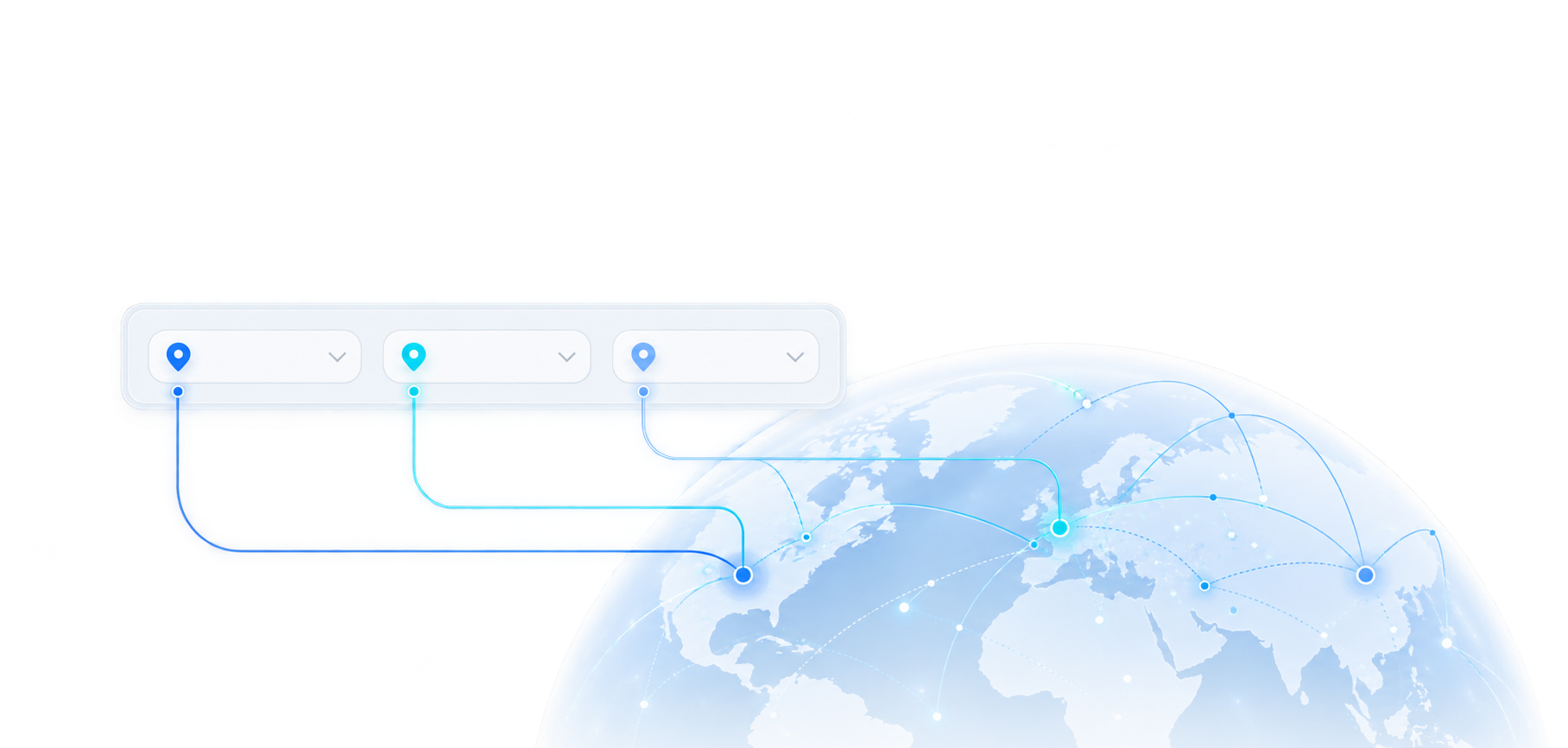
Configure rotating or sticky residential sessions for public-data workflows. Connect over HTTP(S) or SOCKS5, and check current location coverage and plans before ordering.
Residential sessions configured for each job
Check current location coverage

Choose rotation or session persistence and review current locations before scheduling public-data requests.
Plan around locations currently offered for the selected plan, without relying on static coverage figures.
Review session settings, connection methods, and usage information in the workspace.
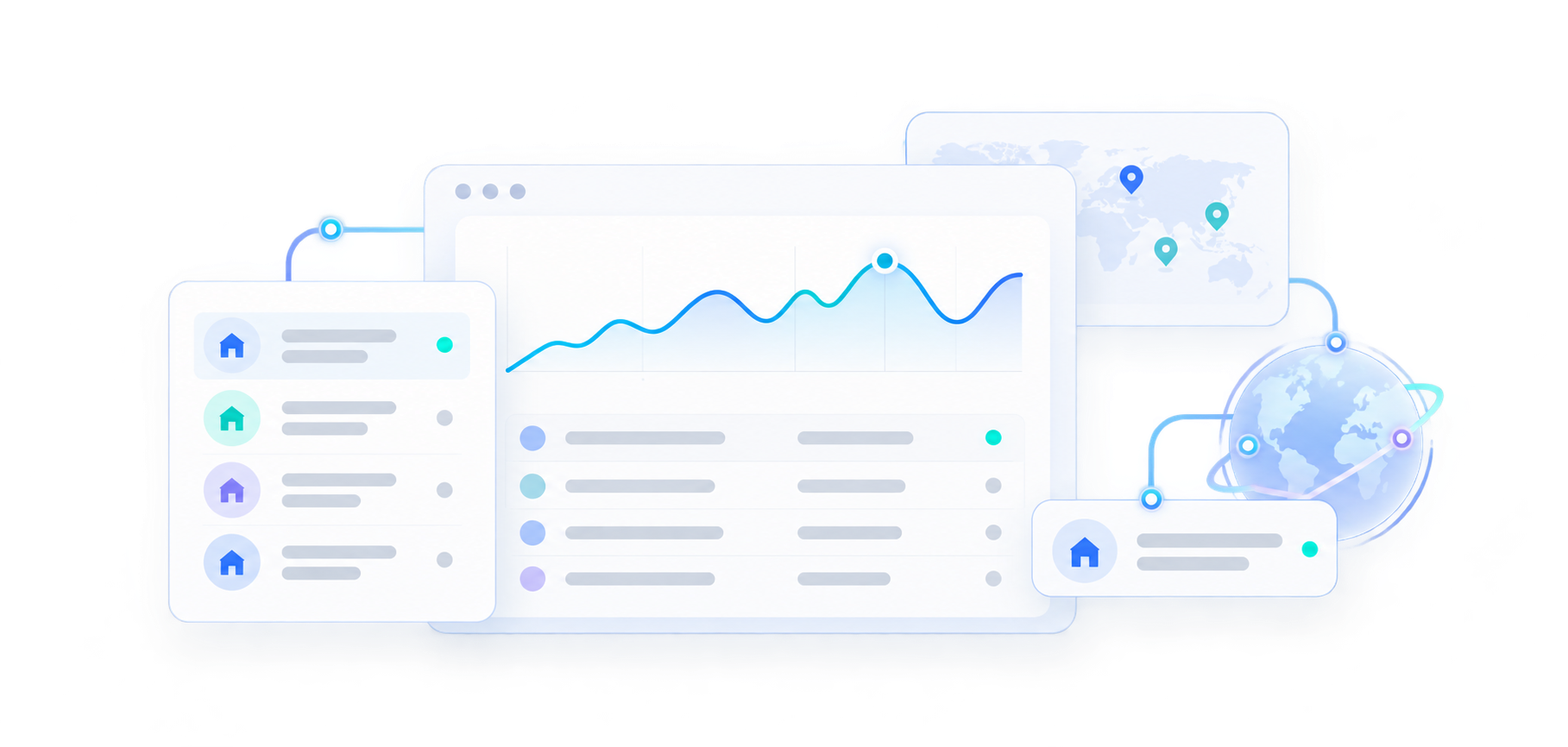
Review session mode, protocol, locations, and traffic plans before buying, then configure connections for the job.

Use residential proxies for public-page requests and validate results for your target workflow.

Choose rotation or persistence for the job; confirm available duration in the current plan.

Connect over the supported HTTP(S) or SOCKS5 protocol.

Review current traffic plans and applicable terms before ordering.

Choose exits based on current location availability and workflow needs.

Use published integration guides to configure and troubleshoot connections.
Reach major markets to validate local content, pricing, advertising, search results, and user experiences.

North America

Europe

Europe

North America

Asia Pacific

Asia Pacific

South Asia

Europe
Compare current traffic plans and pricing for your job. Available options and final charges are confirmed in the workspace before checkout.
STARTER · Valid for 30 days
STANDARD · Valid for 30 days
ADVANCED · Valid for 30 days
PROFESSIONAL · Valid for 30 days
As jobs change, revisit session, location, and traffic choices so connection settings stay clear.
Check locations offered by the current plan before configuring location-sensitive jobs.
Review concurrency terms for the plan before scheduling parallel connections.
Use workspace usage data and current prices to plan future purchases.
Use standard proxy protocols and examples in multiple languages to connect existing scripts, collectors, and automation tools.
import requests

username = "USERNAME"
password = "PASSWORD"
proxy = "proxy.example.invalid:6616"

proxies = {
  "http": f"http://{username}:{password}@{proxy}",
  "https": f"http://{username}:{password}@{proxy}",
}

response = requests.get("https://ipinfo.io", proxies=proxies)
print(response.text)Manage proxy rules, credentials, and project settings for more efficient daily operations.
Review available traffic, account, and connection information as you plan the next job.
A reliable local network perspective for public web data and regional experience checks.
Access public pages for analysis, discovery, and valuable business data.
Track products, keywords, stock, and pricing as conditions change across markets.
Observe industry trends, search results, and customer interests across regions.
Collect public feedback and content changes to understand brand performance.
Check content, features, languages, performance, and rendered results by location.
Combine public flight, hotel, and destination information across markets.
Launch public-data projects quickly with an easy-to-use residential proxy infrastructure that reaches across borders.
Create your workspace